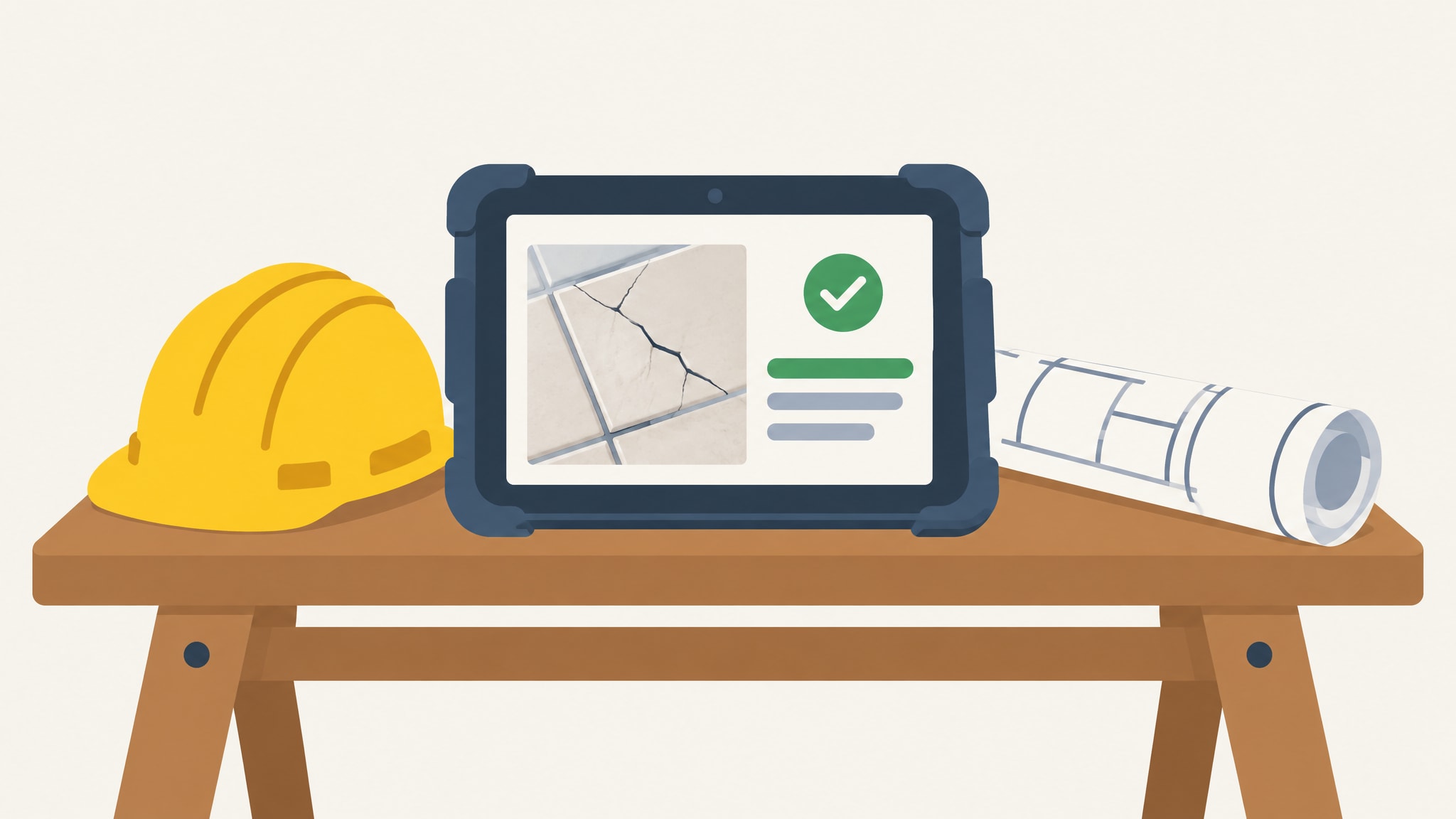
A photo of a cracked tile lands in a WhatsApp group. Someone replies with a thumbs-up. Three days later nobody can say who was supposed to fix it, and the owner is asking for an update by email.
If that sounds familiar, you don't have a people problem. You have information scattered across chat threads, spreadsheets, inboxes and a shared folder that only one person understands. Job site management software exists to fix exactly that. This guide covers what it does, which features matter for a small or mid-sized contractor, how it differs from project management software, and when it makes sense to build your own.
What Job Site Management Software Actually Does
Job site management software is one central place to track the tasks, issues, photos, documents, crews and progress for each job site. Open a site and you see what is happening there, who is responsible and what is overdue, without scrolling through a month of messages or opening four different files.
It is built for the field. Site managers, foremen, subcontractors and the owner checking in from the office all use it, and it records what happens on site rather than what the job costs or how it gets billed.
The daily problems it is meant to fix
Most small contractors lose time in the same few places:
- Issues are reported in chat and never written down anywhere else.
- Photos sit in phone galleries with no note about which site or which room.
- Drawings exist in several versions, so a crew works from the wrong one.
- Subcontractors are unsure what they were asked to do, or by when.
- Owners chase for status because nothing shows it.
None of these is dramatic on its own. Together they cause rework, late handovers and evenings spent reconstructing what was agreed. A single system gives each item one home, one name and one status.
Core Features of Job Site Management Software
The guides that rank for this topic mostly center on field coordination, task management and plan viewing, with labor tracking and subcontractor coordination close behind. That is a fair list. What matters is how each feature behaves on a real site, so here is each one as a workflow.
Tasks, issues and progress tracking
A site manager walks the second floor and spots a badly finished window reveal. She photographs it, logs it as an issue on that site, assigns it to the plastering subcontractor and sets a date. The subcontractor sees it on his phone. When he has fixed it, he marks it done and adds a photo of the result. The owner, looking at the site page, watches the issue move from open to closed, and nobody had to chase anybody.
Tasks follow the same pattern: every task has an owner, a due date and a status. Progress is then simply the sum of those statuses for each site, so you can see what is done, what is under way and what is stuck. If this is the part that hurts most, our piece on construction project tracking goes deeper.
Photos, plans and documents in one place
A photo is most useful when it is attached to something: an issue, a task or a stage of the build. A shot of a pipe run before the wall is closed becomes evidence months later, but only if you can find it by site and date.
Plans, permits, safety documents, subcontractor agreements and inspection reports belong on the same site page. When a crew opens a drawing, they should know it is the current one, and you should never have to ask, "which version is the latest?"
Subcontractor and crew coordination
Each subcontractor should see their own work: the tasks assigned to them, the issues they need to fix and the documents that apply to their trade. You see everything. That means you can tell at a glance who is on which site this week, which trade is waiting on another, and which subcontractor has several issues still open.
This kind of coordination is about assignment and visibility. It is not payroll, and it does not replace a time-tracking tool if hours and timesheets are your main headache.
Job Site Management Software vs. Construction Project Management Software
These categories get mixed up constantly, and vendors have little reason to separate them. They overlap, but each one is aimed at a different problem.
- Job site management focuses on the field: tasks, issues, photos, documents, crews and what is happening on each site today.
- Construction project management focuses on budgets, scheduling, estimates and office work across the whole project.
- Labor tools focus on time: who worked where, and for how many hours.
The quickest way to choose is to name the sentence you say most often. If it is "I don't know what is going on at that site," you have a job site problem. If it is "I don't know whether we are over budget or when the next phase can start," you have a project management problem. If it is "payroll takes me a full day," you need a labor tool.
Many small companies have the first problem and get sold the second, then pay for budgeting and scheduling modules they never open. A job site system will not run your accounts or build your master schedule. It makes the field visible, which is where most small contractors feel the pain first.
The Catch With Off-the-Shelf Job Site Software
Off-the-shelf tools are good at what they do. Many are polished and widely used. But they are built for a broad market, and a small contractor ends up paying for the compromises.
Paying for features you never use
Most of these products charge per user. Every foreman, office admin and sometimes every subcontractor adds to the monthly bill, so the cost rises exactly as your team grows.
Then there is feature bloat. Bid management, equipment tracking and scheduling charts sit in the menus whether you need them or not. You pay for all of it, and your crews have to find the three buttons they actually use among thirty.
Adapting your process to the tool
Your jobs run a certain way. Maybe you track snag lists room by room, call a stage "first fix," and get client sign-off at set points. A generic tool arrives with its own stages, statuses and screens, and you can either bend your process to match or work around it.
Working around it usually means a spreadsheet on the side, which is the problem you were trying to leave behind. Our comparison of custom software vs off-the-shelf software sets the trade-offs out in full.
Custom Job Site Management Software Built Around How You Work
There is another route. Instead of renting a tool built for everyone, you get a private, web-based system built around how you already run your sites. Your business. Your system.
What a custom system looks like in practice
Projects, job sites, subcontractors, progress, issues, documents and activity all sit in one place. The screens use your words and your statuses, so a foreman recognises the system the first time he opens it. It holds only what your business needs, which keeps it quick to learn and quick to use.
The idea behind custom construction management software is simple: the software adapts to the business, not the other way round.
Example: a small contractor running five active sites
Picture a small contractor with five jobs running at once: a kitchen extension, two loft conversions, a shop fit-out and a small block refurbishment. The home screen lists all five sites with their current status.
Open the shop fit-out and you see the open issues, the tasks due this week, the latest photos, the current drawings and the subcontractors assigned. An activity feed shows what changed today and who changed it. The owner reads it over coffee instead of phoning three site managers.
Now run the defect scenario again. The site manager photographs a damaged door frame, logs the issue, and assigns it to the joinery subcontractor. The subcontractor closes it with a photo. The owner sees the status change without sending a single message.
What a fixed $1,000 build includes
1000FLAT builds private, web-based systems for construction companies around projects, job sites, subcontractors, progress, issues and documents, for a fixed $1,000 price. You explain how you run jobs today, and the system is built around that. It is a flat price, not a per-user subscription, so adding a foreman does not change what you paid for the system.
Be realistic about what that buys. It is a focused system for how your company works. It is not an enterprise platform, and it will not suit a firm that wants every possible construction feature in one product. You can read how a 1000FLAT build works before deciding whether it fits.
How to Choose: A Practical Checklist
The same criteria apply whether you are looking at a generic product or a custom build. Run each option through them, and write the answers down so you can compare. If you are weighing options for a smaller team, software for small construction companies covers the wider picture.
Questions to ask before you commit
- Who uses it on site. List every person who would log in, including subcontractors who will not install or learn anything complicated. If the foreman cannot log an issue in under a minute, he will go back to WhatsApp.
- Mobile access. Most site work happens on a phone, often with poor signal and dirty hands, so test it there rather than on a desktop demo.
- How much data you must move. Existing site lists, contact details and documents have to come across somehow. Ask what that involves before you sign.
- Who owns the data. Your project records are yours. Confirm in writing that you can export them and take them with you.
- Fit with your workflow. Run one real job through it, using your own stages and statuses, and note every workaround you needed.
- Cost as the team grows. Work out the bill at your current headcount and again after you hire two more people. Per-user pricing looks very different at the second number.
Moving From Spreadsheets and Messages to One System
You don't have to move everything at once, and trying to is how these projects stall. A smaller start works better.
- List what you track today. Write down every spreadsheet, chat group, folder and notebook you use to run sites. Note who updates each one.
- Pick the three things that hurt most. For most contractors it is some mix of issues that get lost, documents that go stale and unclear subcontractor responsibilities.
- Start there. Get those three working in one place, and let the rest follow once the team trusts it.
Your crews will move faster if the first version does less but matches how they already talk about the work. For more on the spreadsheet side of the move, see moving beyond construction spreadsheets.
Your list of three is also the start of a scope. Take it to 1000FLAT, describe how your sites run, and see how a custom job site system would handle those three things for a fixed $1,000.
Frequently asked questions
What is job site management software?
It is a central place to track the tasks, issues, photos, documents, crews and progress for each job site. Site managers, subcontractors and owners all work from the same record instead of separate chats and spreadsheets.
Is job site management software the same as construction project management software?
No. Job site software focuses on field activity: issues, photos, documents and who is doing what on each site. Project management software focuses on budgets, scheduling and office work. Choose by the problem you have, which is usually either visibility on site or control of cost and timeline.
Do I need custom software, or is an off-the-shelf tool enough?
An off-the-shelf tool is enough if your process already matches how it works and the per-user cost stays comfortable as you grow. Custom makes more sense when you keep working around the tool, or pay for features you never open. A custom system is built around how you already run your jobs.
How much does 1000FLAT charge to build a custom job site system?
1000FLAT builds a private, web-based system around your projects, job sites, subcontractors, progress, issues and documents for a fixed $1,000 price. It is a flat price rather than a per-user subscription.
What should I check about data ownership before choosing a system?
Confirm that you can export your project records and take them with you if you leave. Also ask who can see your data. Your site records, photos and documents are business assets, so you should control them.