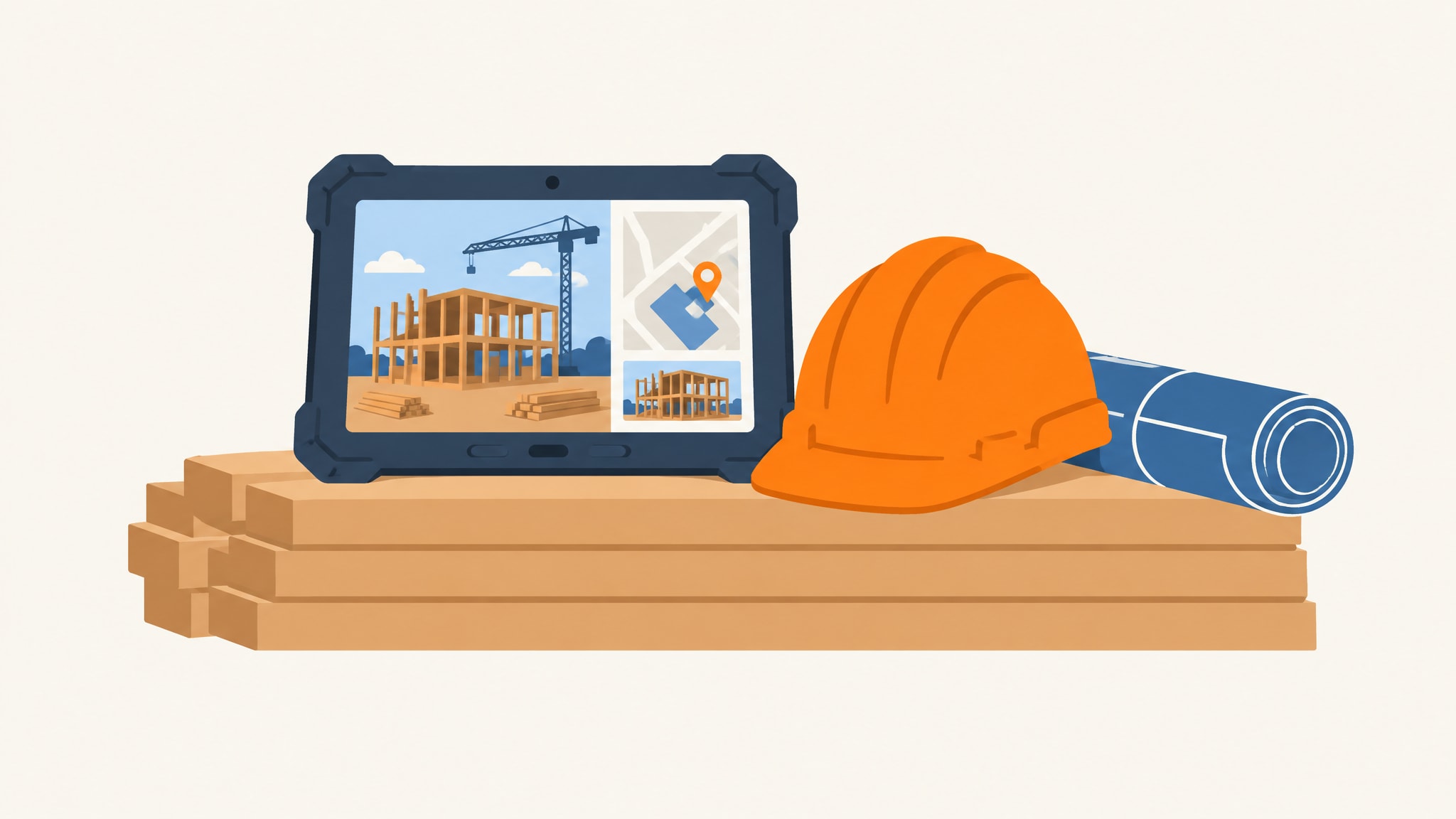
Construction project tracking software is a digital tool built to monitor real-time progress. That's different from a static scheduling app. General project management tools handle tasks and calendars for any industry. Dedicated construction tracking connects field conditions directly to your back-office records, so you see exactly where every job stands today. Building projects involve physical materials, subcontractors, and site-specific variables that a generic task list simply can't capture.
Effective tracking means pulling cost, schedule, and quality data into one view instead of managing them in separate silos. Established software engineering principles for project monitoring back this up. When your system reflects what's actually happening on site instead of an idealized plan, you stop chasing updates and start managing outcomes. The right approach pulls scattered information into a single source of truth, one that works for the crew on-site and the manager reviewing financials.
What Construction Project Tracking Software Actually Does
You need a system that captures work as it happens, not one that records history days later once mistakes have already compounded. Tracking software is the operational nervous system of your business. It turns physical construction activity into structured data that drives decisions, without you manually reconciling updates from five different places.
Monitoring Real-Time Progress and Statuses
Progress tracking goes well beyond a percentage-complete bar on a Gantt chart. Your system should capture specific milestones, like a foundation pour, a framing inspection, or a drywall install, as discrete events that update project status everywhere automatically. Field crews report completion through a mobile app. Office staff see it instantly, without waiting on end-of-week reports or phone calls.
This real-time visibility closes the gap between work happening and management knowing about it. You catch delays the moment they occur instead of during a monthly review, when your options have narrowed. Statuses become signals that trigger next steps, approvals, or resource adjustments based on what's happening now, not outdated assumptions.
Centralizing Documents, Photos, and Issues
Construction generates a huge volume of documentation, and it all has to stay tied to a specific location, phase, or decision. A proper tracking system links change orders to the exact drawings they modify, ties inspection photos to the task they document, and connects warranty paperwork to the component that was actually installed. Anyone can find what they need by navigating the project itself, rather than digging through folder hierarchies or email threads.
Issues and punch list items live alongside the work they relate to, instead of sitting in a separate spreadsheet or a group chat. When a subcontractor flags a problem, that issue carries through to resolution with full visibility into who owns it, what it's blocking, and whether it touches budget or timeline. Centralizing this way keeps critical details from getting lost between field and office.
Why Small Construction Firms Outgrow Spreadsheets and Generic Apps
Small architecture and construction firm owners often go looking for an integrated CRM and project management setup once manual tracking stops being sustainable for a growing operation. There's no revenue threshold that triggers this. It happens when the overhead of keeping fragmented systems running starts eating time that should go toward managing the actual projects.
The Hidden Cost of Adapting Your Business to Software
Generic tools force you to bend a unique workflow into a predefined template that rarely matches how construction actually works. You build workarounds, add custom fields that break the next time the software updates, and run parallel processes because the tool can't handle your specific sequence of operations. These adaptations pile up quietly until your team spends more energy feeding the system than using it.
Stop adapting your business to software built for someone else's idea of project management. Every workaround is friction. It slows response times, introduces errors, and frustrates people who just want to build. That cost shows up as missed deadlines, rework from miscommunication, and good staff leaving because fighting the tools feels worse than doing the actual work.
When Disconnected Tools Create Data Silos
Separate apps for scheduling, documents, communication, and accounting create gaps where information falls through. Field crews update progress in one app while invoices get processed in another, and nobody catches the mismatch until a client questions a bill or a subcontractor disputes scope. Version control becomes impossible when the same drawing exists as an email attachment, a cloud file, and a printed set, each with a different revision date.
If this sounds like how you're currently running projects, it may be worth looking at a construction spreadsheet alternative that brings these functions together without forcing enterprise-level complexity on you. Data silos don't just slow things down. They create real risk, because you can't verify that everyone is working from current information. The moment you can't confidently say whether the field has the latest change order, your tracking system has stopped doing its job.
Core Features That Drive Operational Clarity
Operational clarity shows up when your tracking system mirrors how construction work actually flows, instead of imposing categories that don't match the job. Features only matter if they cut the effort it takes to connect site conditions to business outcomes, so what's on screen matches what's happening on the ground.
Job Costing and Budget Visibility
Tracking expenses against budget means linking costs to specific project phases, cost codes, and commitments the moment they're entered. Your system should show committed costs alongside actual spend, so you know your real financial exposure before the invoices show up. That visibility lets you catch overruns early, while you can still do something about them.
Budget tracking becomes proactive once estimates flow directly into the system and update automatically as change orders get approved. You watch forecasted final costs shift in real time based on current commitments and remaining work. That kind of clarity supports better bids, more accurate conversations with clients, and a faster read on which project types are profitable and which aren't.
Subcontractor and Task Coordination
Coordinating multiple trades takes clear ownership, visible dependencies, and a shared definition of done. Your tracking system should let you assign tasks to a specific subcontractor with the documents, photos, and acceptance standards attached, so there's no ambiguity about what finished looks like. Notifications alert the right people the moment a prerequisite is done, so mobilization doesn't stall.
Subcontractor coordination breaks down when assignments live only in email threads or verbal agreements nobody can trace. A proper system keeps an auditable record: who was asked to do what, when they acknowledged it, and whether the finished work met spec. That record protects relationships when a dispute comes up about scope, timing, or quality.
Field-to-Office Communication Loops
Communication between site and office breaks down when every update needs transcribing, interpreting, or reformatting. Good tracking software lets field teams report progress, flag issues, and request information through structured inputs that flow straight into the system, no middleman required. Office staff get notified and can respond in the same context the message came from.
These closed loops stop requests from getting lost, and responses connect back to the exact situation that prompted them. You skip the game of telephone that happens when an update passes through several people and platforms before it reaches whoever needs to act on it. Communication built into your tracking system cuts delay and keeps context intact.
Custom Internal Systems Versus Off-the-Shelf SaaS
The choice between generic SaaS and custom internal software comes down to this: does your workflow justify the ongoing cost of adapting to someone else's tool, or the upfront cost of building one that fits? Neither approach wins every time, but understanding the trade-off helps you choose based on how your business actually runs, not a feature checklist.
Paying Only for What Your Business Needs
SaaS pricing charges per user, per month, whether those users touch ten percent of the features or ninety percent. You're paying for functionality built for enterprises, industries, or use cases that have nothing to do with your company. Those costs compound every year, and climb further whenever the vendor raises prices or rolls out a new mandatory tier.
Custom internal systems typically come with a fixed development cost and minimal ongoing fees, tied to hosting rather than usage. You pay once to build exactly what your operation needs, instead of a subscription that keeps scaling with headcount rather than value. For a business with stable core processes, that often works out to a lower total cost within two to three years, and there's no vendor lock-in.
Building Around Existing Workflows Instead of Changing Them
Off-the-shelf software assumes your business should bend to best practices set by designers who've never run a construction company. Custom software starts from the opposite place: your existing workflows evolved through real experience, and they carry institutional knowledge worth keeping. If you're weighing whether bespoke development makes sense, our guide to custom construction management software walks through that decision in more depth.
Building around your workflows means the system captures your specific sequences, approval chains, and exception handling, the stuff that makes your operation run. It reinforces habits your team already has instead of demanding they retrain on something foreign. Adoption improves because the software feels familiar, and the productivity gains show up right away instead of months later.
Signs You Need a System Built Around How You Work
Catching the point where your current methods have hit their limit saves you a long stretch of operational strain that quietly damages growth and morale. These signs mean your tracking approach needs a rebuild, not another patch.
Operational Friction Points in Growing Companies
If critical project updates are living in WhatsApp groups, texts, or someone's personal email, your formal systems aren't keeping up with how people actually communicate. Duplicate data entry across platforms means your tools don't talk to each other, so your staff become the integration layer. A consistent lag between finishing work and sending the invoice is a process gap your cash flow can't absorb forever.
When your most experienced people hoard knowledge because writing it down takes longer than just doing the work themselves, your system has failed to capture what it should know. Client complaints about inconsistent updates or missing information point to a visibility problem, not a performance problem. These friction points get worse as you grow, because the manual workarounds that held up fine at five projects fall apart at fifteen.
Evaluating Readiness for Custom Software
Readiness has less to do with company size than with how stable your workflow is and whether leadership is actually committed to running things systematically. Your processes should be repeatable enough to write down, even if right now they only live in people's heads. Leadership has to see software as infrastructure worth the investment, not a cost to squeeze down.
Ask whether your current tracking method actively supports growth, or just barely tolerates it until something breaks. If hiring another project manager or superintendent would cut the chaos rather than add capacity, your system is the bottleneck. Businesses that are ready for custom software recognize that doing the work well takes tools built for their version of doing it well, not someone else's.
For companies looking at operational improvements beyond tracking, our overview of software for small construction companies covers the systems that support sustainable growth alongside it.
Implementing Tracking Software Without Disrupting Active Jobs
Rolling out a new system mid-project takes careful phasing, with continuity ahead of a full rollout. A good implementation respects the fact that active jobs can't pause for training while they're still moving toward completion.
Phased Rollouts for Field Teams
Start with a pilot project, something manageable, with a team willing to give feedback. Limit the initial rollout to the core tracking features that deliver value right away, without overwhelming people who are learning a new interface. Collect feedback daily in the early weeks, and adjust the setup before expanding to more projects or more people.
Field adoption works when the system cuts friction instead of adding paperwork. Show people a real benefit, a faster RFI response, easier photo documentation, before you ask them to comply with new reporting requirements. Training happens through supported practice on actual work, not a classroom session disconnected from the job.
Migrating Historical Project Data Cleanly
Resist the urge to migrate everything from your old system into the new one. Figure out which historical data people still actively reference, for warranties, comparisons, or client questions, and move only that. Archive older projects somewhere accessible but separate, rather than cluttering the new system with information nobody needs anymore.
Clean migration means checking the transferred data against the source records before you shut down the old system. Run both in parallel briefly to confirm the new one produces accurate reports and calculations. That validation period builds confidence and catches discrepancies before they affect a live decision on a current project.
Choosing the Right Approach for Your Construction Business
Your tracking software should disappear into daily operations, not demand attention as its own separate thing. The best choice fits how your team already thinks about projects, talks about problems, and measures success. A feature list matters less than operational fit, because software that matches how your team actually thinks gets used every day, while impressive capabilities that feel foreign just gather dust.
Generic tools work for companies willing to adapt their processes to a standardized framework. Custom systems work for companies whose edge lives in the workflows they've already built and want to keep. Both paths can get you to operational clarity, but only one gets you there without asking you to become someone else first.
If your construction business has outgrown fragmented tools and needs a system built around how you actually work, start your project with 1000FLAT to see what custom internal software could look like for your operation, at a fixed price.
Frequently Asked Questions
What distinguishes construction project tracking software from general project management tools?
Construction tracking software integrates cost, schedule, and field-specific data like photos, submittals, and punch lists into a unified view tied to physical work. General project management tools handle tasks and timelines but lack construction-specific connections between site conditions and financial records. The distinction matters because building projects involve variables that generic task managers cannot represent without extensive customization.
At what stage should a small construction company move beyond spreadsheets and email for tracking?
The transition point arrives when maintaining fragmented systems consumes time that should go toward managing actual projects, typically when you cannot confidently answer whether field teams have current information. Revenue thresholds vary, but operational strain manifests as duplicate data entry, version control issues, and delays between work completion and invoicing. If adding staff increases chaos rather than capacity, your tracking methods have reached their limit.
How does custom internal software differ from standard SaaS solutions for construction tracking?
Custom software is built around your existing workflows with a fixed upfront cost and minimal ongoing fees, while SaaS charges monthly per user for predefined features that may include unnecessary functionality. Custom systems preserve institutional knowledge embedded in your processes rather than forcing adaptation to industry-standard templates. The trade-off is between perpetual subscription costs with vendor dependency versus one-time development investment with operational alignment.
What specific operational problems does dedicated tracking software solve for field teams?
Dedicated tracking eliminates the lag between work happening and management knowing about it by enabling real-time progress reporting through mobile interfaces. It connects field documentation like photos and issues directly to specific tasks and locations so information stays contextual rather than scattered across messaging apps. Closed communication loops ensure requests and responses remain connected to their originating situations without transcription or interpretation losses.
How can businesses implement new tracking systems without disrupting ongoing construction projects?
Phased rollouts starting with a pilot project allow teams to learn through supported practice on real work rather than classroom training disconnected from daily realities. Migrate only actively referenced historical data rather than transferring everything, and run parallel operations briefly to validate accuracy before decommissioning old systems. Prioritize field adoption by demonstrating tangible benefits like faster responses before requesting compliance with reporting requirements.