Spreadsheets work fine in the early days of a construction business. Then they become the thing holding you back. When project data lives in disconnected files instead of one system, you trade short-term familiarity for long-term risk. A real construction spreadsheet alternative doesn't just digitize the chaos you already have. It changes how information moves between the office and the job site.
Why Construction Businesses Outgrow Spreadsheets
Excel is a calculation tool, not an operations platform. Treating it like one creates drag on every project you run. You can track budgets fine in rows and columns, but a spreadsheet can't enforce workflow logic or stop two people from entering conflicting data. The moment your business needs real-time coordination between field and office, a static spreadsheet stops being an asset and starts being a liability.
The Hidden Costs of Manual Tracking
Friction builds quietly when your team spends hours reconciling data instead of building. Duplicate entry is the most obvious cost: superintendents retype field reports into master trackers, project managers manually update budget forecasts from emailed invoices. This eats billable hours and introduces errors that usually surface only when a payment dispute or material shortage forces the issue.
Construction firms running multiple job sites often hit critical delays when field crews work from outdated spreadsheet versions cached on their own devices instead of live data. That gap between reality and the record means decisions get made on yesterday's numbers, which leads to over-ordering materials or scheduling subcontractors for work that isn't ready yet. You pay for this through wasted mobilization fees, rush shipping costs, and client trust that erodes every time a timeline slips over an admin mix-up.
When Version Control Fails on the Job Site
Emailing updated files isn't version control. It's a gamble with your project. Without one source of truth, three people can each believe they're working from the latest schedule while actually looking at an old snapshot saved to their desktop. Untangling that mess after the fact pulls leadership away from managing the job and into forensic accounting.
This fragmentation also makes it hard to look back and learn anything, because the real record of what happened is scattered across attachments. You lose the ability to bid future jobs accurately based on past performance when your actual costs are buried across fifty different workbook tabs. Good forecasting needs data that gets captured automatically, not an archive that depends on someone remembering to save the final draft.
Common Limitations of Generic Construction Software
Moving away from spreadsheets often lands you in a different trap: bloated enterprise platforms built for contractors ten times your size. These tools solve problems you don't have while creating new ones through sheer complexity. A massive SaaS platform often just replaces manual data entry with mandatory form-filling that slows your best people down without adding much value.
Paying for Features You Do Not Use
Most off-the-shelf construction software bundles dozens of modules you'll never touch into a monthly subscription you can't escape. You end up paying for enterprise safety compliance tools, BIM integrations, or multi-entity financial consolidation you'll never use. Recurring subscription costs for multiple disconnected construction tools often exceed the one-time cost of a custom system within twelve to eighteen months.
That cost gets worse once you add the training overhead of navigating interfaces cluttered with features you'll never touch. Your team learns to ignore half the dashboard, which makes simple tasks, like logging daily progress or approving a change order, harder than they should be. The problem usually isn't that the software lacks capability. It's that too much capability buries the few functions you actually need.
Forcing Your Workflow Into a Predefined Template
Small contractors often abandon generic SaaS platforms because the predefined fields can't capture a unique subcontractor agreement or a specialized progress billing milestone. When the software dictates your process, you either bend your proven methods to fit its database, or you keep a shadow spreadsheet running on the side for everything the software can't handle. Neither gives you the clarity you were hoping for when you decided to upgrade.
Rigid templates don't handle the nuance of niche construction work, where relationships and verbal agreements often drive progress more than any standardized form does. You end up creating a "Notes" or "Other" field to store the information that actually matters, because it doesn't fit the vendor's idea of how construction should work. Over time those workarounds become the real system, and the expensive software turns into a glorified filing cabinet.
Custom Systems as a Construction Spreadsheet Alternative
A private internal system is a third path, between chaotic spreadsheets and rigid SaaS platforms. Instead of adapting your business to fit available software, custom construction management software adapts to the way you already operate. Your existing workflow becomes the spec. The system is built to enforce your logic, not someone else's.
Software Built Around Your Existing Process
Your business has developed its own way of handling estimates, change orders and client communication, and that's part of your edge. A custom build keeps those differences intact by building them directly into the system instead of forcing them into generic fields. You keep the flexibility that got you this far, and you gain the reliability and scalability that manual tracking can't give you.
That alignment removes the translation step between how you think about work and how you record it. Field staff pick up the system faster because it mirrors the way they already think about a job. A system gets adopted when it feels like a natural extension of how your team already works, not an administrative hurdle from head office.
Connecting Projects, Subcontractors, and Documents
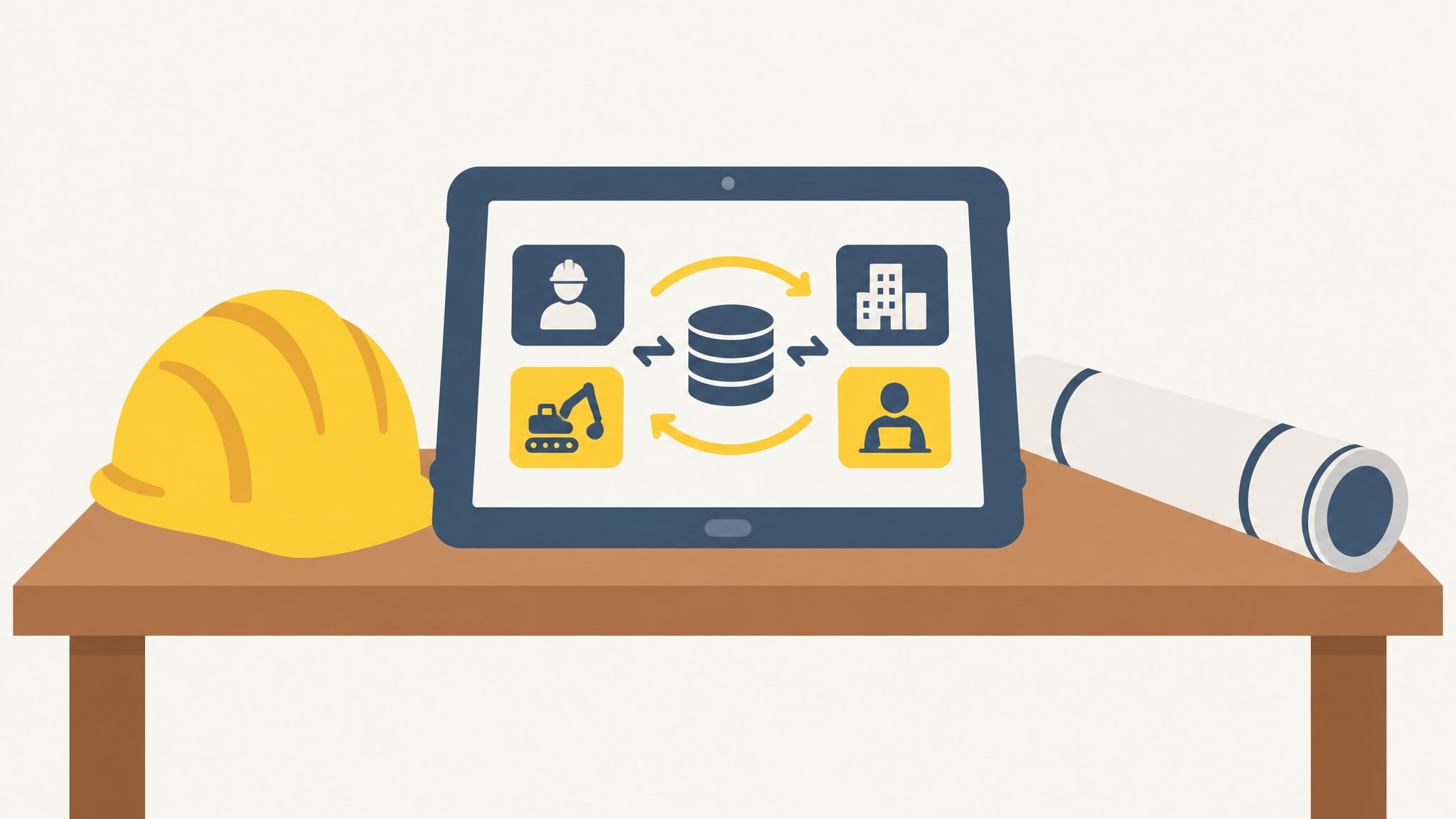
Isolated data creates blind spots. Connected data creates leverage. A unified system links your project schedules directly to subcontractor assignments, material deliveries and payment applications, so one update moves through all of them. When a superintendent marks a phase complete in the field, the office sees it immediately. Invoice review starts and the forecast updates, with no one lifting a finger.
That connectivity turns static records into something you can actually act on. You stop chasing status updates by text message and start managing the exceptions the system flags for you. Information reaches the person who needs it the moment they need it, which cuts out the small miscommunications that turn into expensive delays.
Replacing Fragmented Tools With One Private System
Consolidation isn't just about convenience. It's about having one authoritative record for your whole business. When estimating, scheduling, document storage and financial tracking all live in one private system, cross-referencing is instant. You can answer real questions about profitability, resource allocation and project health without opening four different apps.
1000FLAT builds custom internal systems for construction companies at a fixed $1,000 price, replacing fragmented spreadsheets with private software built around your specific workflows. There's no perpetual license fee, and the cost lines up with what you actually need rather than with a vendor's pricing tiers. You own the system outright. No vendor can sunset it or raise the price on you next year.
Key Capabilities to Replace Excel in Construction
Functionality matters more than a feature list when you're evaluating any software to replace spreadsheets. You need capabilities that match the daily reality of running a job, not abstract technical specs. The right system handles the messy, human side of construction where pure data entry falls short.
Real-Time Progress and Issue Tracking
Field conditions change by the hour, and your system needs to keep up without asking superintendents to file formal reports. Mobile-friendly tools let crews log progress, flag issues, and request resources right from the job site with almost no friction. That keeps the office view matching the ground truth, so problems get caught before they hit the critical path.
Automatic status aggregation replaces the weekly ritual of pulling together progress summaries from five different sources. Project managers get a live dashboard of every active job, color-coded by risk or completion, so they know where to spend their attention. Visibility becomes something that just happens, instead of something someone has to chase down every week.
Centralized Document and Photo Management
Photos taken on a phone usually disappear into a camera roll or a group chat, separated from whatever work item they were actually documenting. A proper system ties each photo directly to the task, location and date, which builds an automatic visual record of the project as it happens. That organized record protects you in a warranty dispute, supports remote inspections, and gives you something to reference on the next similar job.
Document control goes beyond storage, with version history and approval workflows tied to specific milestones. Submittals, RFIs and change orders stay linked to their context permanently, so nobody's hunting for a misplaced PDF. Retrieval takes seconds no matter how old the project is, and your project history turns into something you can actually use.
Subcontractor and Task Coordination
Managing subcontractors means tracking commitments, checking insurance, coordinating schedules, and checking finished work against the contract. Spreadsheets don't handle any of that natively, so you end up relying on memory and email threads. A dedicated system keeps a living record of every subcontractor interaction, so nothing slips through the cracks when things get busy.
Task assignment becomes transparent when it's tied to a specific person and a deadline inside the shared system. Notifications remind the right person of what's coming up, without flooding anyone's inbox. Coordination shifts from chasing people down to staying ahead of the work, which frees up your project managers to focus on quality and the client relationship.
Evaluating the True Cost of Switching
A price tag is misleading on its own, without the context of ownership over time. Comparing custom software vs off-the-shelf options means looking past the first invoice to the total cost over three to five years. Subscriptions look cheap at first and then compound. A custom build costs more upfront and then stops costing anything once it's delivered.
The hidden cost of generic software is ongoing configuration, mandatory upgrades that break your workflow, and per-user fees that punish you for growing. Every new hire quietly raises your monthly bill, which is a strange incentive to build into your own payroll process. A custom system usually means a fixed cost up front with optional maintenance after, so your tech spend doesn't move every time your headcount does.
There's also the cost of staying on spreadsheets that never shows up on a P&L: bids lost to slow estimating, margin eaten by rework from bad data, and hours of management time spent reconciling numbers that should have matched in the first place. A system built around how you work closes those leaks for good, and the payoff grows as your business does.
Signs You Are Ready for a Custom Construction System
Readiness comes from operational pain, not some revenue number or headcount. You know it's time when keeping your current tracking method running takes more effort than replacing it would. Growth on its own doesn't mean you need new software. Growth plus rising coordination complexity does.
Operational Complexity Exceeds Tool Capacity
When your spreadsheet depends on macros written by someone who left the company two years ago, you've passed a safe operating limit. That complexity shows up as fragile workarounds, long startup routines, and quiet anxiety about touching the master file. If adding a new type of project means rebuilding your whole tracking method, the tool has become the ceiling on your growth.
You're ready when standardization keeps failing because the tool can't handle the normal variation in your work. Tasks that should be routine take heroic effort to get right. Scaling well means having infrastructure that absorbs variation instead of fighting it.
Data Silos Are Slowing Down Decisions
Decisions take longer whenever the answer requires pulling information from several disconnected places. If answering a simple client question about budget status takes thirty minutes of digging and double-checking, your data setup is working against you. Leaders should spend their time interpreting information, not excavating it.
Trust breaks down when different people show up to a meeting with different numbers. Confident leadership, and confident client relationships, depend on trusting your own data. Once you can't verify a figure quickly, you've outgrown whatever system produced that doubt.
Building Your Private Business System
Moving to custom software is a translation exercise, not a technical overhaul. It starts with documenting how you actually work today, including the unwritten rules and informal handoffs that keep projects moving. From there, the realities of your business get mapped into a structured digital system, one that keeps your institutional knowledge and removes the manual friction around it.
Non-technical owners often worry about explaining requirements or managing a build. That burden sits with the builder, not you. Your job is just to explain your business the way you'd explain it to a new project manager. What comes out the other end reflects your language, your categories, and your priorities, because it's built directly from them.
If any of the friction above sounds familiar, it might be time to start your project and see what a dedicated system could look like for you. Looking into it costs nothing but time, and the upside is getting back the hours currently lost to admin.
Frequently Asked Questions
How long does it take to build a custom construction system compared to implementing generic SaaS?
Custom builds for small construction firms typically take two to four weeks from kickoff to delivery because scope is limited to essential workflows. Generic SaaS implementations often stretch longer due to configuration complexity, data migration, and staff training on unfamiliar interfaces. The custom timeline focuses purely on translating your known processes rather than learning someone else's.
Can a custom system integrate with my existing accounting software like QuickBooks or Xero?
Yes, custom systems can be built to push and pull financial data from major accounting platforms via API or secure file transfer. This integration eliminates double-entry of invoices and payments while keeping your operational data separate from your general ledger. The connection is tailored to sync only the specific fields you need rather than forcing a full suite integration.
What happens if my business processes change after the custom system is built?
Custom systems are designed to be modified as your business evolves, unlike rigid SaaS templates that resist adaptation. Minor adjustments can often be handled quickly, while significant workflow changes can be scoped as discrete updates. You retain full ownership of the codebase, meaning you are never locked into a vendor's roadmap or forced to accept unwanted feature changes.
Is custom software secure enough for handling sensitive construction contracts and client data?
Private custom systems typically employ modern encryption, secure hosting, and role-based access controls that match or exceed generic SaaS standards. Because the system is private and not multi-tenant, your data is physically isolated from other companies' information. Security measures are implemented specifically for your risk profile rather than applied as a blanket policy across thousands of unrelated users.