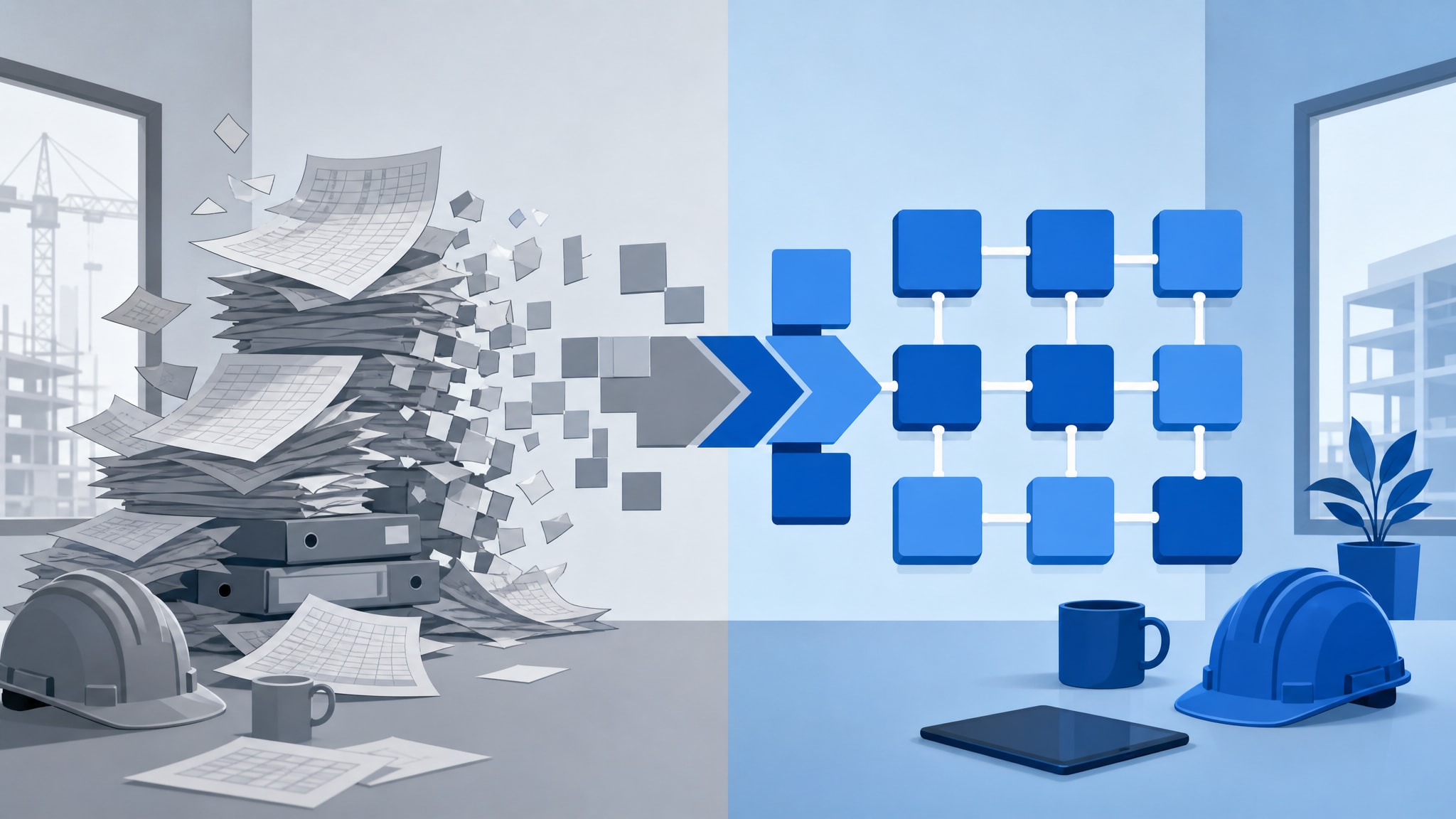
Spreadsheets are great for calculations. They're dangerous for running a growing business. They lack structure, accountability, and any way to connect different parts of your operation into one source of truth. Replacing a spreadsheet with software isn't about digitization. It's about building a system that reflects how your team actually works.
Many small property management and construction firms reach a point where manual tracking slows them down instead of helping. The move to dedicated operational software should solve specific friction points, not introduce new complexity. Your business deserves a system built around your existing workflows, not a generic template that forces you to change how you operate.
When to Replace Spreadsheets with Dedicated Software
The decision to move away from manual tracking rarely happens on a specific date or at a specific revenue milestone. It happens when the friction of managing information outweighs the effort of building or buying something better. You've reached that point when checking the status of a project or property means opening three files and sending two emails just to find out which one is current.
Version conflicts are usually the first visible symptom. When several people edit the same master sheet at once, data gets overwritten and updates vanish without warning. Staff start hesitating to touch records because they're afraid of breaking something, and soon nobody trusts the information in front of them.
Duplicate data entry is a sign your tools can't talk to each other. If you're copying tenant details from a lease into a rent roll, then again into a maintenance log, that's work a connected system should do for you. The redundancy doesn't just waste time. It introduces errors that quietly pile up over months.
Missed follow-ups point to a lack of real accountability. A spreadsheet can't remind you to inspect a unit or chase an unpaid invoice. When tasks depend on memory or scattered email chains, things slip through as volume grows.
You deserve a system that manages these rhythms for you, instead of waiting for you to remember them.
The Hidden Costs of Managing Operations in Excel
Free tools carry a price tag that never shows up on your profit and loss statement. The illusion of zero cost hides the real expense: fragmented workflows and information scattered across disconnected files. Every hour spent reconciling conflicting data or hunting for a lost document is an hour not spent on revenue or planning.
Without a structured system, there's no record of who updated something, when a status changed, or why a decision got made. That makes it nearly impossible to diagnose what went wrong, because the actual workflow lives in people's habits instead of in anything you can check.
A spreadsheet cell will accept whatever you type into it, whether or not it makes sense for your business. Typos and formatting slip-ups build up over time and corrupt the data underneath them. Cleaning that up later costs far more than setting up proper checks from the start would have.
1000FLAT builds private web-based systems for small businesses at a fixed $1,000 price, specifically to replace fragmented spreadsheets and manual processes in property management and construction. There's no subscription creep, no per-user fees stacking up the way they do with typical SaaS. You get a system built for your business, not an ongoing bill.
Lost revenue is the most painful hidden cost of all. When you can't instantly see which properties are vacant or which projects still need invoicing, money sits uncollected while you dig through tabs looking for it. A unified system surfaces that information automatically, so you can act on it before it slips away.
Custom Systems vs Generic SaaS for Small Businesses
Most commercial software asks you to reshape your business around its templates. That works fine if your operation matches the vendor's assumptions. It fails the moment your workflow is even a little different, and bending your process to fit rigid software often means giving up the very efficiencies that set you apart.
Software should adapt to the business, not the other way around. That's the whole point: it's what drives real adoption and cuts down on training time for teams who aren't technical to begin with. When the system mirrors how your staff already think about their work, people pick it up fast, because they're not learning new concepts, just using a digital version of what they already do.
Generic platforms leave gaps in workflows that don't match their assumptions. Property managers often end up tracking tenants, rent, maintenance, and contractors across separate sheets, which leads to missed updates and duplicated work, exactly what a single connected system is built to eliminate. Off-the-shelf property management software might handle leasing fine and still fall apart when it comes to coordinating subcontractor payments or tracking a custom maintenance SLA.
Small businesses often outgrow generic tools because they end up too complex in some places and too limited in others. Enterprise platforms ship with hundreds of features you'll never touch, while missing the handful of fields and statuses your operation actually depends on. That bloat slows down tasks that should take seconds.
This is why many founders now choose custom business software built around how you work instead of settling for a mass-market tool. A private system includes only what your business needs and leaves out everything else. You get clarity and speed by removing the noise that comes bundled into generalized software.
How to Turn Your Spreadsheet Process into a Web-Based System
Replacing manual tracking starts with documentation, not development. Before you look at any software, map exactly how work gets done today, including the informal handoffs and edge cases that only live in people's heads. That honest audit becomes the blueprint for a system built around your reality, not some idealized version of it.
Start by identifying the core entities that drive your operation. For a construction firm, that might be projects, job sites, subcontractors, and change orders. For property management, it's units, tenants, leases, and maintenance requests. These nouns are the foundation everything else connects to.
Next, document the verbs: what happens to those entities over time. A status moving from "pending approval" to "approved," or a unit going from "vacant" to "leased," defines your workflow logic. Capturing these states means the new system enforces the same rules your team already follows without thinking about it.
Don't dismiss workarounds as bad habits when you're mapping this out. Ask why they exist and what problem they solve. Often an informal process is compensating for a limitation in your current tools, and that's exactly the kind of insight worth building into the replacement.
If you want to see how the process works at 1000FLAT, this discovery phase comes first, before anything else. We build based on your documented workflows, not predetermined modules you have to squeeze your business into. The result is custom software for small business that feels like a natural extension of your team rather than foreign technology.
You can start your project once you have clarity on what needs building. A clear picture of your current state speeds up development and keeps the final system focused on real pain points. Preparation turns this from a gamble into something predictable.
Replacing Manual Tracking in Property Management
Property management generates data that's deeply connected, even when spreadsheets can't show it. Tenant records link to lease terms, which connect to payment histories and maintenance logs scattered across separate files. Pulling all of that into one private hub kills the constant cross-referencing that slows down every single interaction.
Maintenance coordination improves immediately once it runs through a structured workflow. Instead of chasing updates by text message, contractors get notifications tied to specific job statuses and upload completion photos straight to the property record. That builds an automatic paper trail, one that protects you in disputes and makes year-end reporting far less painful.
Rent tracking turns proactive once it's tied to tenant records directly. Late payments trigger reminders automatically and update ledger balances without you touching a thing. You stop being a human database and start spending your time on the exceptions that actually need judgment.
Construction firms that manage job sites, subcontractors, and progress photos through shared folders often lose context that gets preserved automatically in purpose-built project tracking. The same holds for rental operations, where communication history can matter legally. When every interaction attaches to the relevant property or tenant record, you're never stuck reconstructing events from scattered email threads.
A custom system doesn't replace property management expertise or the need for human judgment. It handles the repetitive data work so you can spend your time on tenant relationships and asset performance instead. Technology supports that judgment. It doesn't substitute for it.
Moving Construction Projects Beyond Shared Folders
Construction depends on information moving between office and field in real time. Shared folders create delay: decisions wait on someone to upload the latest drawing or download yesterday's site report. A web-based system puts current information in everyone's pocket, wherever they're standing.
Subcontractor coordination needs visibility that a static file can't give you. When subs can see assigned tasks, report progress, and flag issues inside the same platform, project managers get an accurate picture without making a round of phone calls. That transparency is what keeps small problems from turning into expensive delays.
Progress photos gain value once they're tied to a specific project phase and location. A photo taken on-site attaches automatically to the right task and timestamp instead of sitting lost in a generic camera roll. That structured record supports billing verification and protects you against warranty claims down the line.
Centralizing issue tracking turns firefighting into something closer to a process. Open items stay visible until someone closes them, instead of disappearing into an inbox. Nothing gets accidentally forgotten, because the system is built so nothing can be.
Your field teams need tools that respect how construction actually happens. Software built for a desk fails on a muddy job site, where gloves and sunlight make precise taps and swipes nearly impossible. Build for real conditions, and people actually use the tool instead of working around it.
Frequently Asked Questions
What is the best software to replace Excel for small business operations?
The best replacement depends entirely on your specific workflows rather than feature lists. Generic SaaS platforms often force you to adapt your processes to their templates, while custom internal software builds around how you already work. For property management and construction firms, purpose-built systems that consolidate records, tasks and communications typically outperform generalized spreadsheet alternatives.
How do I turn my Excel spreadsheet into a software application?
Start by documenting your current workflow including all entities, status transitions and informal handoffs before writing any code. This audit reveals the business logic that must be preserved in the new system. Working with a developer who specializes in translating manual processes into web applications ensures the result matches your operational reality rather than an abstract ideal.
What can I use instead of spreadsheets for tracking projects and properties?
Dedicated operational software provides structure, accountability and connectivity that spreadsheets lack. Options range from industry-specific SaaS platforms to custom internal systems built for your exact workflows. The right choice depends on whether your processes fit standard templates or require tailored logic that off-the-shelf tools cannot accommodate.
Do people still use Excel for business operations in 2026?
Yes, many small businesses still rely on Excel despite its limitations for collaborative operations. The persistence reflects accessibility rather than suitability for managing complex workflows with multiple stakeholders. Companies typically transition away from spreadsheets when version conflicts, data duplication and missed follow-ups create operational risk that outweighs the familiarity of manual tools.