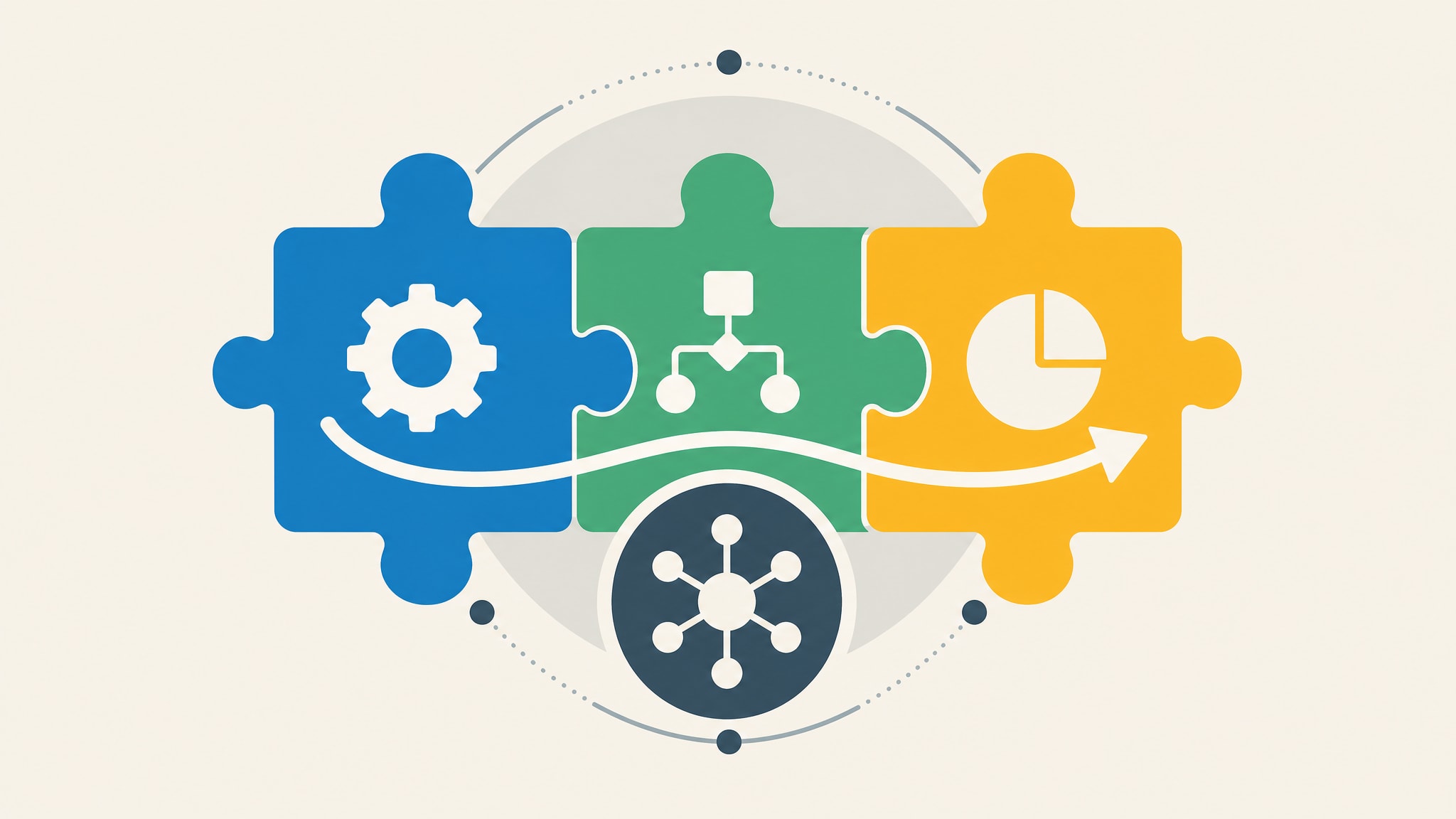
Most growing businesses reach a point where their current tools stop helping and start hindering. You have more customers, more projects, and more team members, yet managing the work feels harder than it did when you were smaller. That friction usually means your systems haven't kept pace with your actual business volume.
Business operations software exists to close that gap by organizing how work actually gets done. It's not about adding another layer of digital bureaucracy or forcing your team into rigid enterprise workflows. The right system captures your existing processes in a structured format so you can manage growth without losing control.
What Business Operations Software Actually Does
Good operations software plans, runs, and manages your day-to-day work. It doesn't just hand you a generic digital tool and leave you to figure out the rest. Unlike standard productivity apps that handle isolated tasks like word processing or messaging, operations software connects those actions into one workflow. Information moves from one step to the next without someone manually re-entering it.
This distinction matters because many companies confuse general organization with real operational management. A shared calendar organizes time, but it doesn't track whether a maintenance request moved from reported to resolved. Real operations software puts records, tasks, statuses, and documents in one place, so your team stops searching for information and starts acting on it. Built right, the software reflects how your business actually runs, not a separate thing you have to maintain on top of the work.
Your business deserves a system that understands your specific rhythm, instead of making you adapt to someone else's template.
Common Types of Operations Management Tools
The market offers two main categories of tools, and choosing between them decides whether your software supports your growth or constrains it. Broad platforms promise to do everything for everyone. Specialized systems go deep on one industry's workflows. Knowing the difference stops you from buying expensive shelfware, or outgrowing a niche tool too fast.
All-in-One Business Platforms
These comprehensive suites try to cover every department, from HR and finance to CRM and project management, in one ecosystem. They work well for large enterprises with standardized processes that match the vendor's predefined modules. For a small or mid-sized business with its own quirks, though, these platforms often need heavy configuration just to replicate what you already do manually. You end up paying for dozens of features you'll never use while still struggling to fit your core workflows into their rigid structures.
Specialized Industry Systems
Niche tools target specific industries, like property management or construction, with pre-built fields and workflows. Construction firms often need systems that link job sites, subcontractors, progress photos, and issue tracking in one view, something generic project management tools rarely support natively without heavy customization. These specialized systems cut setup time because they anticipate your data needs. But they can become limiting if your business grows past their original scope. The right category depends on whether you need general structure, or deep alignment with how your specific industry works.
Signs Your Current Business Operations Software Is Failing
Picture a property manager tracking tenants in spreadsheets, maintenance requests over WhatsApp, and contractor invoices in separate email threads. Each tool holds a piece of the picture, and none of them talk to each other. That disconnect forces your team to act as human middleware: copying information between systems by hand, double-checking that nothing fell through the cracks. When admin work eats more energy than the actual service you provide, your tools have become the problem.
You likely recognize these failure points in your daily routine, even if you've normalized them as just part of doing business.
Reliance on Spreadsheets and Messaging Apps
Spreadsheets are excellent calculators but poor databases. They weren't built for real-time collaboration, so when several people edit the same tracker at once, version conflicts crop up and the data drifts from reality. Messaging apps make this worse by burying key decisions and status updates in chat streams nobody can search later. If your team spends real time each week rebuilding what happened from scattered messages and old file versions, you've outgrown manual tracking. Finding reliable software to replace spreadsheets is often the first step toward getting that clarity back.
Disconnected Data Across Multiple Tools
Separate apps for scheduling, invoicing, and client communication create blind spots that make accurate forecasting and accountability hard. A project manager can't see profitability if time logs live in one app and expenses sit in another. This also slows down how fast staff can answer a simple client question, because they're toggling between tabs to find the answer. When your software stack needs constant copy-pasting just to keep basic visibility, the tools aren't serving you anymore.
Custom Internal Systems vs Generic SaaS Solutions
More small businesses now want private, web-based systems built around their specific workflows, for a fixed price, instead of the recurring costs and rigidity of a typical SaaS contract. Affordable custom software isn't reserved for large corporations with big IT budgets anymore. The choice now is between adapting your operations to fit mass-market software, or building software that fits your operations.
Why Pre-Built Templates Often Miss the Mark
Generic SaaS products serve thousands of customers, so they're built around the common denominator, not your specific operational quirks. That forces you to bend your proven workflows to match the software's limits, often adding unnecessary steps or dropping checks that mattered. Over time, these small compromises add up and chip away at the edge that made your business work in the first place. You might gain digital organization, but you lose the operational precision that defines your service quality.
Building Software Around Existing Workflows
Custom internal software cuts the feature bloat and makes the tool adapt to the business, not the other way round. Instead of learning a complex platform, your team works in an interface built specifically for their daily tasks and the words they already use. This keeps your institutional knowledge intact while adding the structure and visibility that manual processes lack. Exploring custom business management software shows how a tailored system can mirror your exact operations, without the overhead of enterprise-grade complexity.
Key Features for Small Business Operations Management
Your operations system should focus on practical functionality that removes friction, not on impressive technical specs. As a non-technical owner, judge features on whether they solve a real coordination problem, not on how sophisticated they sound. The most valuable capabilities are often the simplest ones, the ones that keep everyone aligned without a training manual.
Centralized Records and Activity Tracking
A single dashboard for projects, properties, jobs, and payments gives you instant visibility into business health, no reports needed. Every interaction, document, and status change should attach directly to the relevant record, so the history stays intact. That ends the morning ritual of checking five different places to find out where things stand. When all activity lives in one searchable place, your team spends less time on admin and more time doing the work.
Role-Based Access for Teams and Contractors
Different people need different views of the same data to do their jobs well. A property manager might need full tenant histories, while a contractor only needs the active maintenance tickets and a way to upload photos. Granular permissions protect sensitive financial data while still giving outside partners exactly what they need to get the work done. That's collaboration without handing over your entire operation.
New software fails when it disrupts the very operations it's meant to improve, so the rollout has to respect how your business runs today. Mapping your existing processes before writing a line of code means the new system mirrors how work actually happens, not some theoretical best practice. Start by writing down how work actually flows right now, including the informal workarounds your team already relies on to get things done.
That discovery step stops you from making the costly mistake of digitizing a broken process, or missing an edge case that matters. Once it's mapped, build the system piece by piece and test each part with the people who'll use it daily. Their feedback during development catches usability problems long before launch. Understanding how custom systems are built helps set realistic expectations for this kind of collaborative build.
Choosing the Right Approach for Your Growth Stage
Not every business needs custom software, and knowing when off-the-shelf tools are enough saves you an unnecessary investment. Early-stage companies with simple, linear workflows often do fine with standardized tools that give them quick structure. But once your operations develop the quirks that actually drive your value to customers, generic tools start to cost you through workarounds and lost efficiency. It comes down to whether your processes are commodities, or the thing that sets you apart.
Affordability and simplicity still matter most for small businesses that need operational clarity now, without enterprise complexity. Custom software for small business has become viable precisely because it fits that middle ground, between chaotic manual methods and bloated enterprise platforms. Look honestly at your current pain points. If disconnected tools are costing you revenue or reputation, tailored operations software pays for itself in recovered time. Your business. Your system.
Frequently Asked Questions
What is operations management software?
Operations management software is a digital system designed to plan, execute, and track day-to-day business activities like projects, maintenance, or tenant management. Unlike generic productivity tools, it centralizes records, tasks, and documents into one workflow-specific platform. This allows teams to manage complex operations without relying on disconnected spreadsheets or messaging apps.
Can you give me some examples of business software?
Examples include property management systems that track rent and maintenance, or construction platforms linking job sites to subcontractor invoices. For small businesses, this also includes custom internal tools built to mirror specific workflows like contractor coordination or payment tracking. These differ from generic CRMs by focusing on operational execution rather than just sales pipelines.
Which software is used in BMS?
Building Management Systems (BMS) typically use specialized software to monitor physical infrastructure like HVAC and lighting, which differs from business operations software. For managing the business side of property or facility management, companies use operations platforms that handle tenants, leases, and maintenance requests. Clarifying whether you need physical asset monitoring or business workflow management is essential before selecting a tool.
How do I know if I need custom operations software?
You likely need custom software if your team spends hours weekly reconciling data across spreadsheets, email, and generic apps. When off-the-shelf tools force you to change profitable workflows or lack fields critical to your industry, they create operational drag. Custom solutions are ideal when your specific business logic is a competitive advantage that standard templates cannot support.